What to do if the certificate cannot be downloaded from the Federal Chamber of Notaries? - Please click
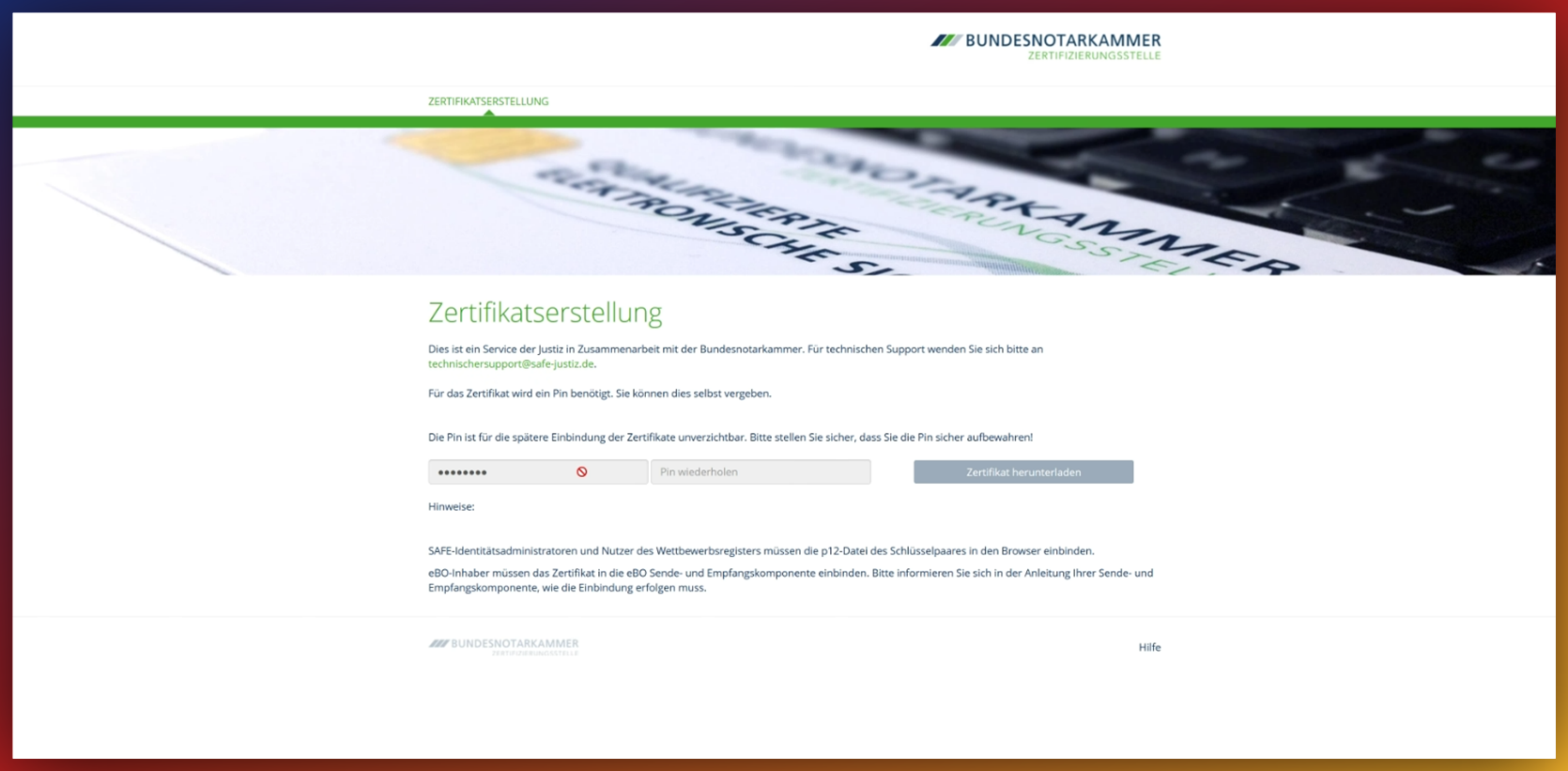
A PIN must be assigned for the certificate. The PIN must be entered twice. It should have six to sixteen digits, must consist of numbers, and must not contain any letters or special characters.
If the PIN cannot be entered completely twice, old data may still be stored in the browser. In this case, close the window, then clear the browser cache and saved login data, and restart the browser. Also try it in private mode or with a different browser.
Generate passive codes if standard authentication is unavailable - Please click
Passive codes can be generated which can be used in the event of a failure of the primary authentication method.
These are generated in the portal and can then be saved to a file or printed out.
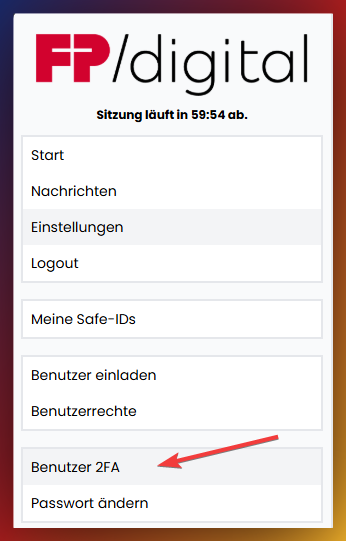
To create the passive codes, first click on the User 2FA tab:
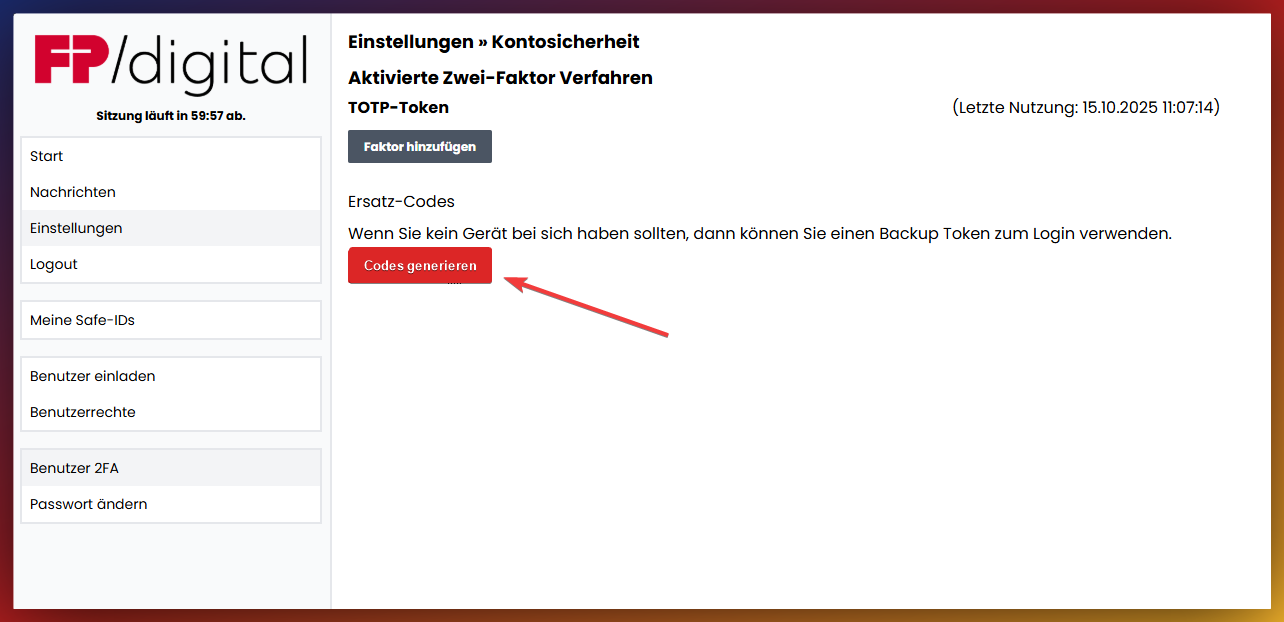
Click on Generate codes.
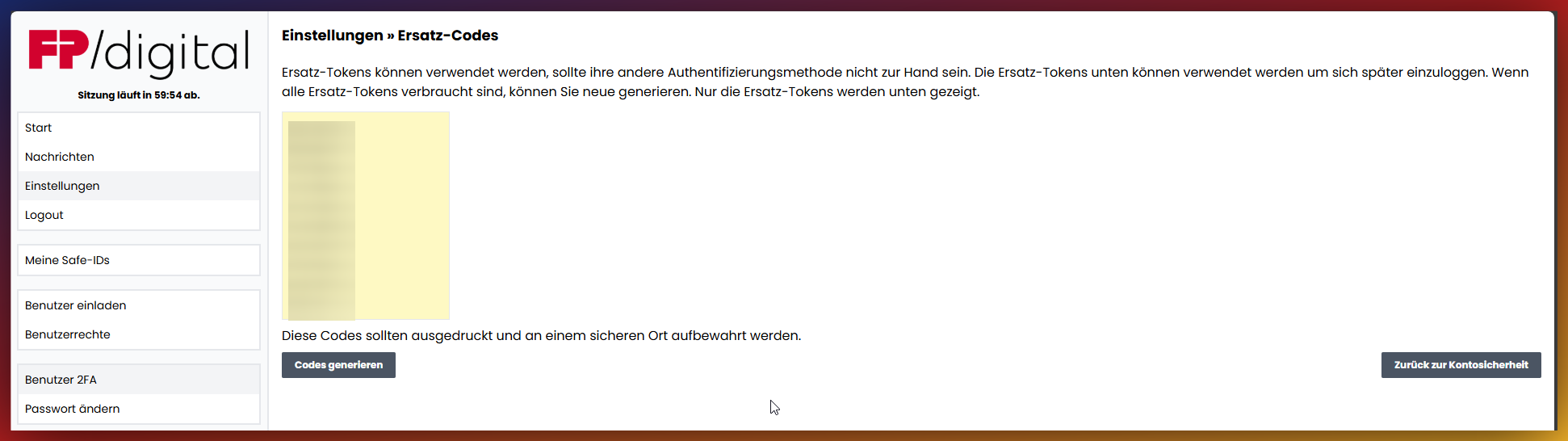
A page with the generated codes is displayed. These can then be copied, saved in another file, and printed out.
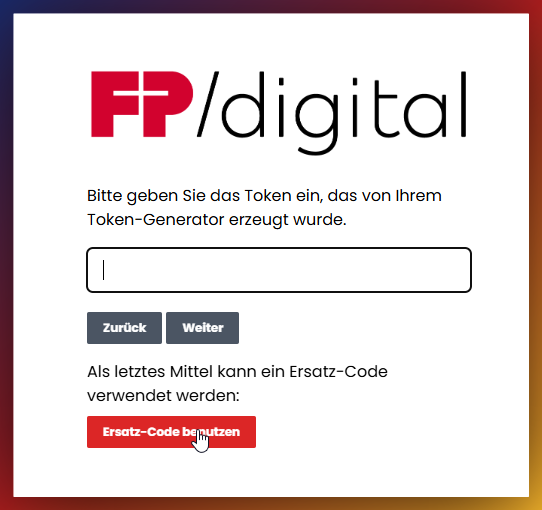
After creating the passive codes, the option Use backup code can be used at the next login to use the codes instead of the standard 2-factor authentication.
SAFE-ID shows that the user has not yet been assigned rights - Please click
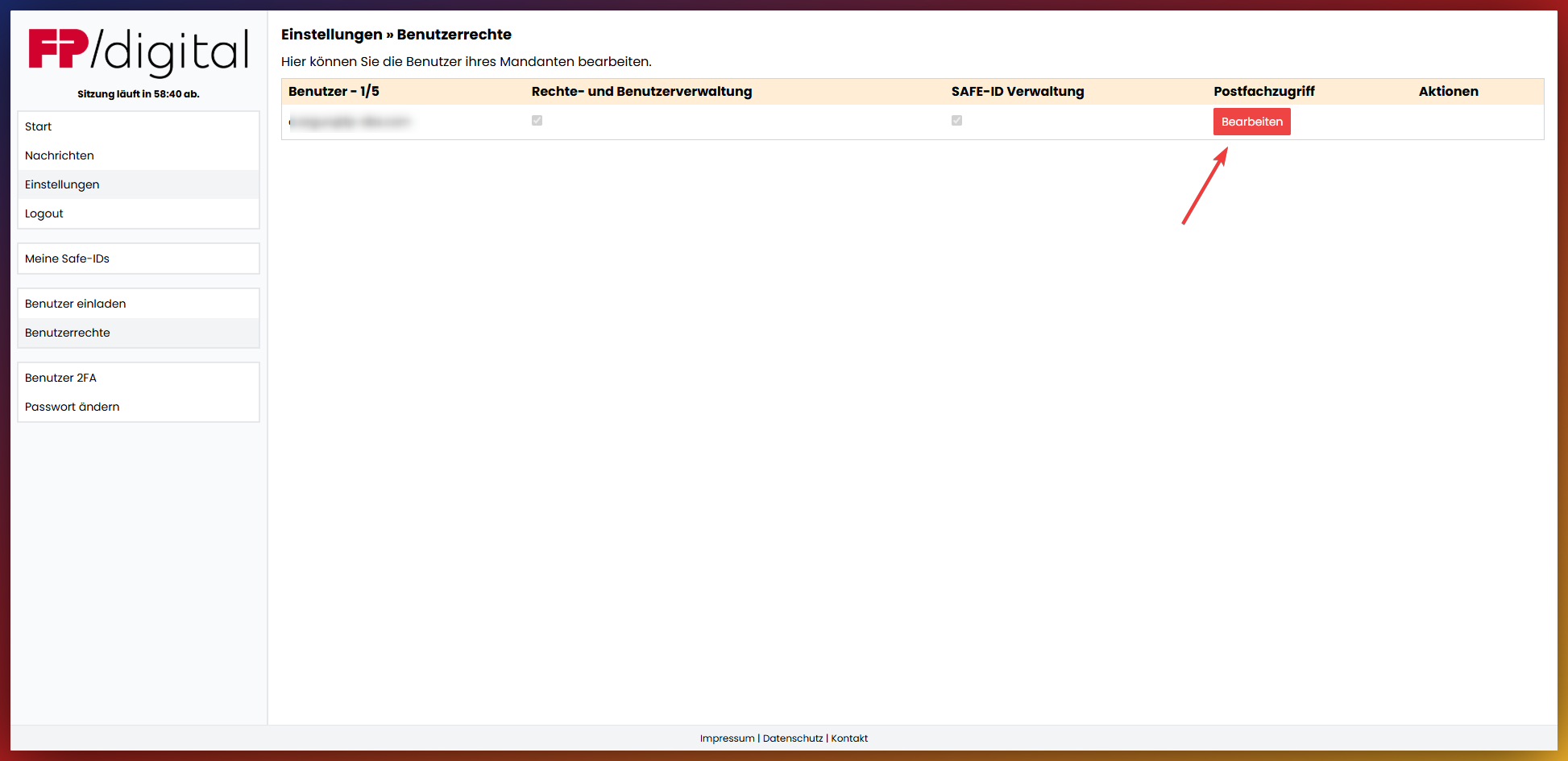
Click on the item 'User rights' in the sidebar to check the permissions of your user.
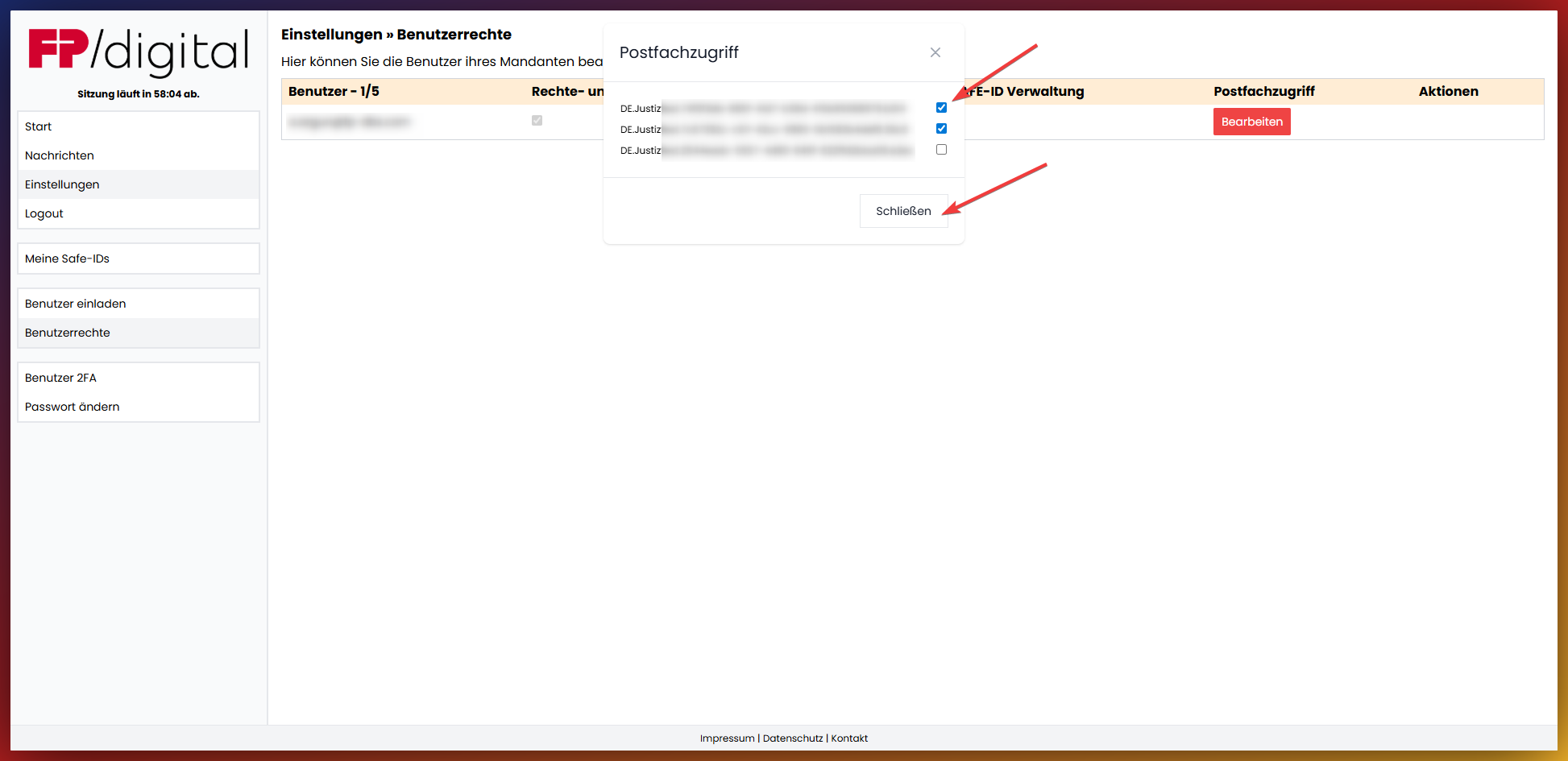
Click on 'Edit' under the column 'Mailbox access' to assign the necessary user rights.
Activation of general consent for electronic delivery (eBO) in the SAFE portal - Please click
During registration, eBO holders who are not natural persons can grant general consent for the delivery of electronic documents in the SAFE registration client (§ 173 Para. 4 Sentence 3 ZPOnF). This leads to the assignment of the role zuzu in addition to the role egvp_ebo.
This delivery configuration must be carried out exclusively and independently via the Judiciary Portal.
⇒ Click here for access to the Judiciary Portal
Login is via Safe-ID and password.
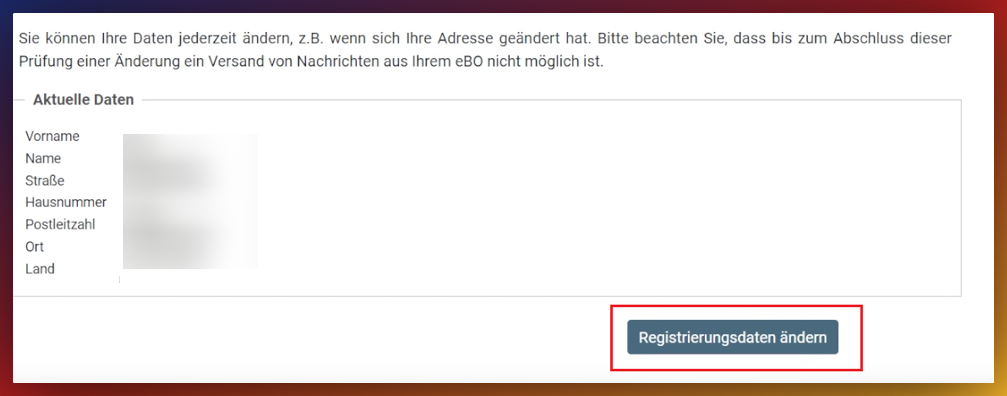
After displaying the current data, select the button "Change registration data":
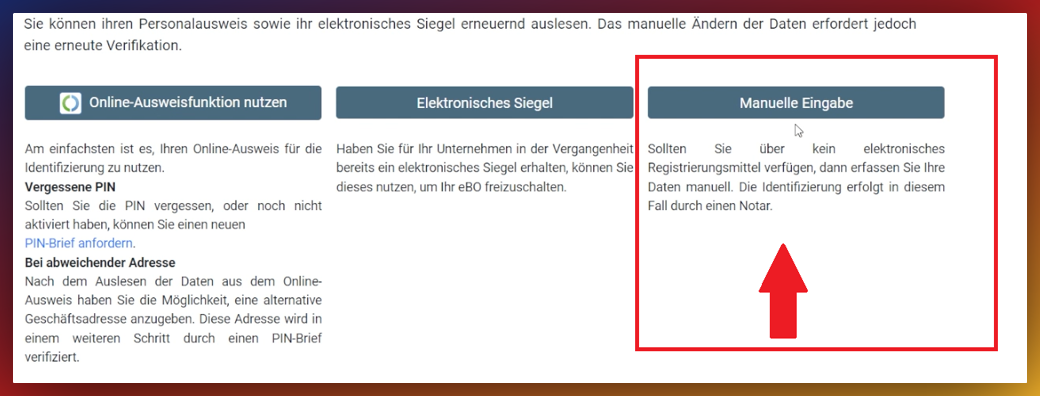
Subsequently, select the option "Manual entry":
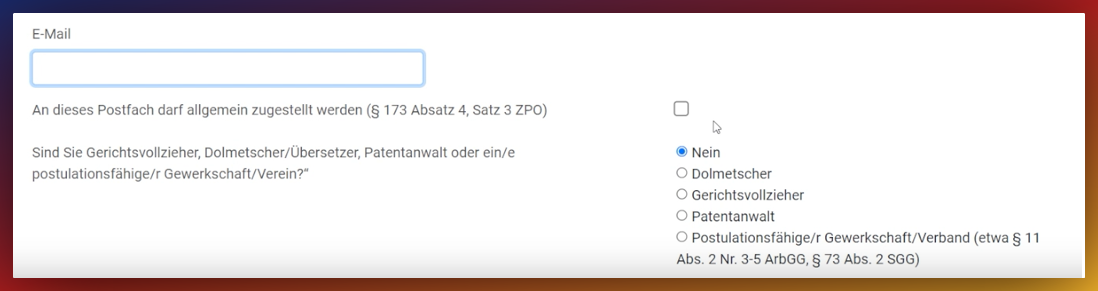
An email address can be stored in the "Email" field. By checking the corresponding box, passive reachability for courts is activated:

After completing the editing, the entries must be saved:

The mailbox receives the additional role zuzu after completion of the process.
⚠ Attention:
Please note whether requesting a PIN letter becomes necessary after saving.
If this is the case, changing the data leads to a temporary blocking of the mailbox. During this period, messages can neither be received nor sent. Postal delivery of the letter usually takes 1–2 business days.
Was this article helpful?
That’s Great!
Thank you for your feedback
Sorry! We couldn't be helpful
Thank you for your feedback
Feedback sent
We appreciate your effort and will try to fix the article